
Overview
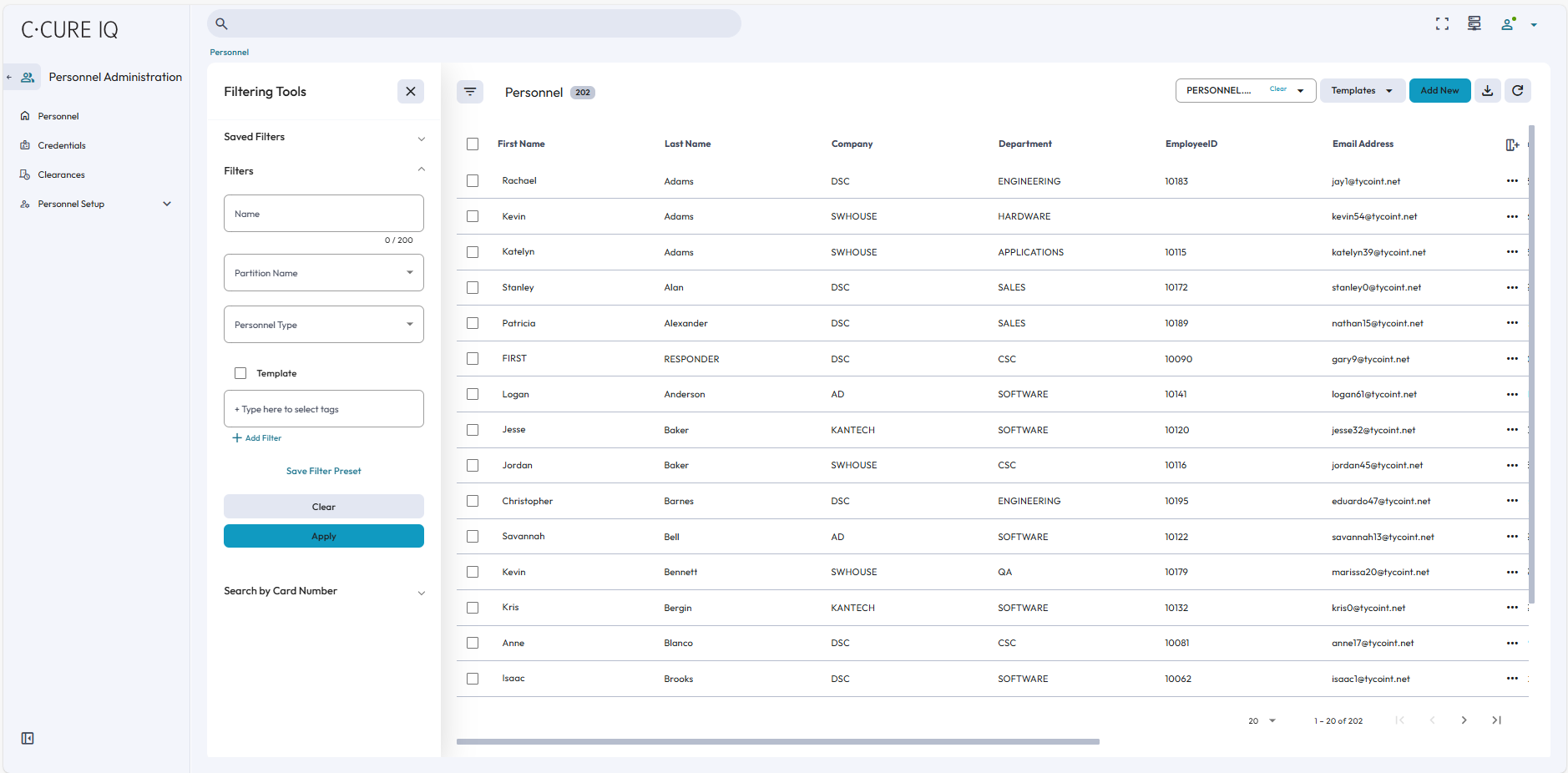
C•CURE IQ Security Client is an enhanced web client for C•CURE 9000 systems. With C•CURE IQ, authorized C•CURE 9000 operators can manage personnel and monitor video, events, and access control through their web browser. Operators can also configure personnel, web layouts, and connect NVRs to C•CURE IQ.
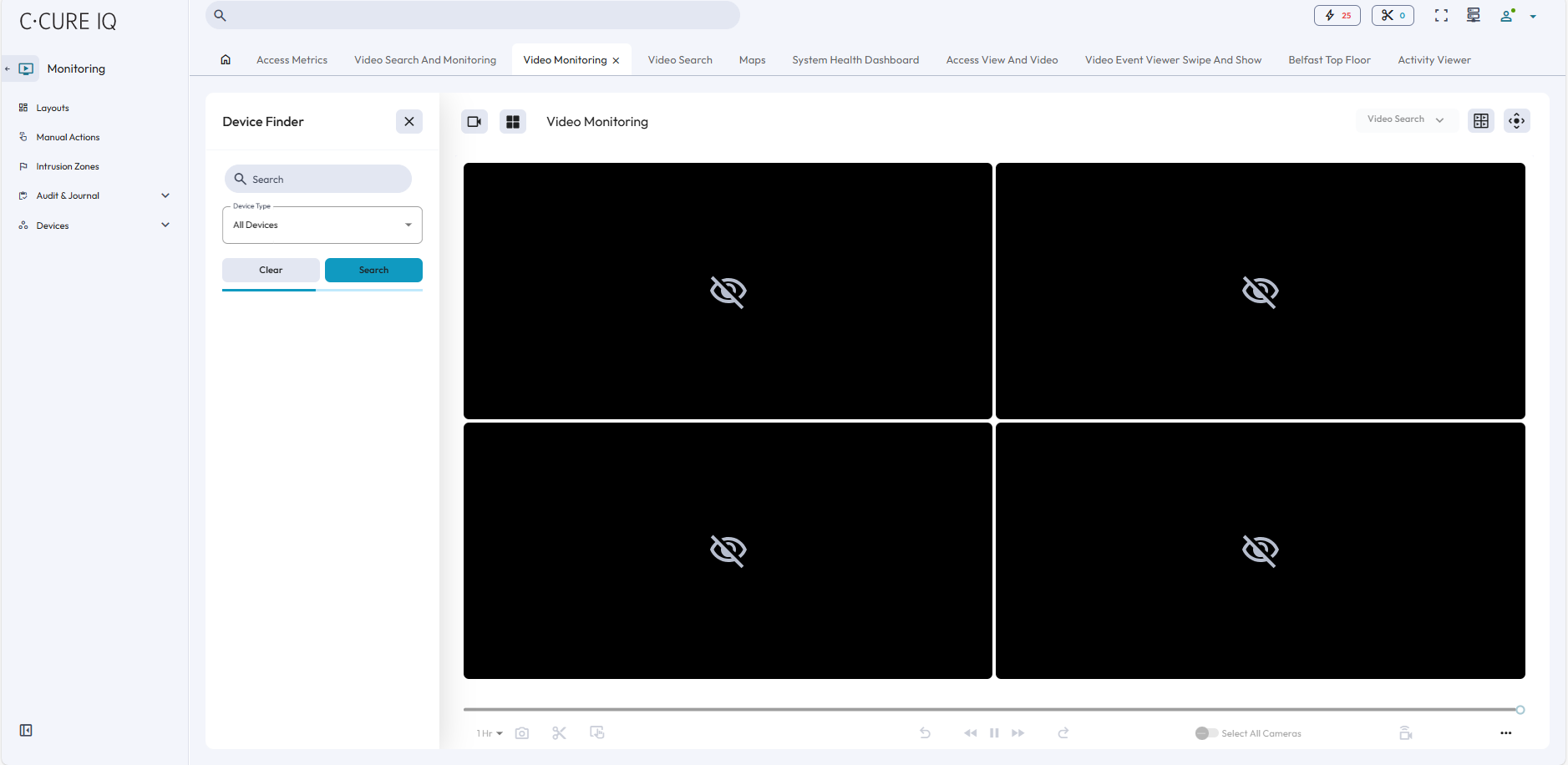
C•CURE IQ operators can customize their video settings to best fit their site’s bandwidth requirements. Operators can prioritize video frame rate or video resolution, and they can select a bandwidth connection speed that ensures that data transfers comply with their network guidelines.
C•CURE IQ is hosted on a Windows® computer and must be integrated with a victor Application Server.
Authenticated operators, created and configured in the C•CURE 9000 Administration Workstation, can log onto C•CURE IQ. You can also create user credentials with the C•CURE 9000 Administration Workstation.
C•CURE IQ requires a valid C•CURE license with the specified number of client connections. Each workstation that connects to C•CURE IQ consumes a simultaneous client count. When the user logs onto C•CURE IQ Security Client, they are connected to the victor Application Server through the web services to retrieve object notifications, journal, and event messages.
Features
The following features are available in C•CURE IQ:
- Personnel administration
- Personnel management
- Credential management
- Clearances administration
- Personnel view management
- Personnel type management
- Monitoring
- System Health Dashboard
- Access metrics for personnel and doors
- Video Monitoring
- Video Search
- Clip Management
- Swipe and Show monitoring
- Event monitoring
- Alarm monitoring
- Monitoring site activity through maps
- Virtual Headcount
- Last known Location
- Monitor manual actions for access control devices:
- Door actions: locking and unlocking
- Input actions: arming and disarming
- Monitor and interact with Intrusion Zones
- Perform audit searches and journal searches
- Device monitoring
- Security Intelligence
- Last Known Location
- Virtual Headcount
- Access Metrics
- Occupancy Dashboard
- Alarm Automation Dashboard
- Alarm Dashboard
- Attendance Dashboard
- Configuration
- Device management
- Video Views, Tours, and Stream Settings
- Tag Manager
- Content management
- Configure layouts, maps, and web views
- Configure schedules, recurring schedules, and holidays
- Alarm Rules
- Data Rules
- Manage operators and privileges
- Configure system settings