
Operators
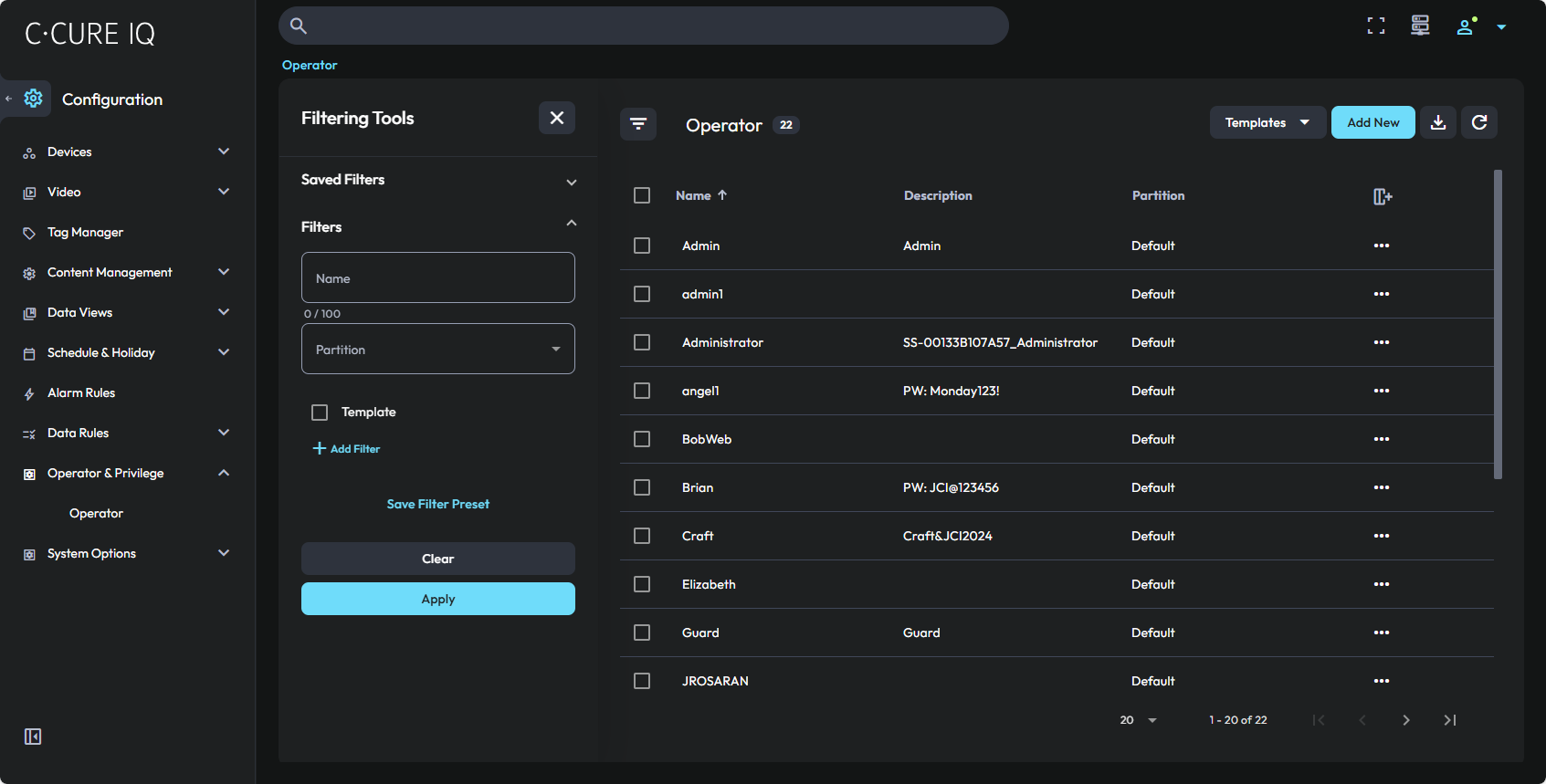
Use the Operator editor to configure operators.
- System Administrator
- This operator is responsible for the configuration and maintenance of all system hardware, and for the common data in the configuration database. They are also responsible for providing system-wide services such as system backup and restore.
- Personnel Administrator
- This operator is responsible for the configuration and maintenance of the personnel records in the configuration database.
- Guard
- This is the primary operator for the Monitoring Station.
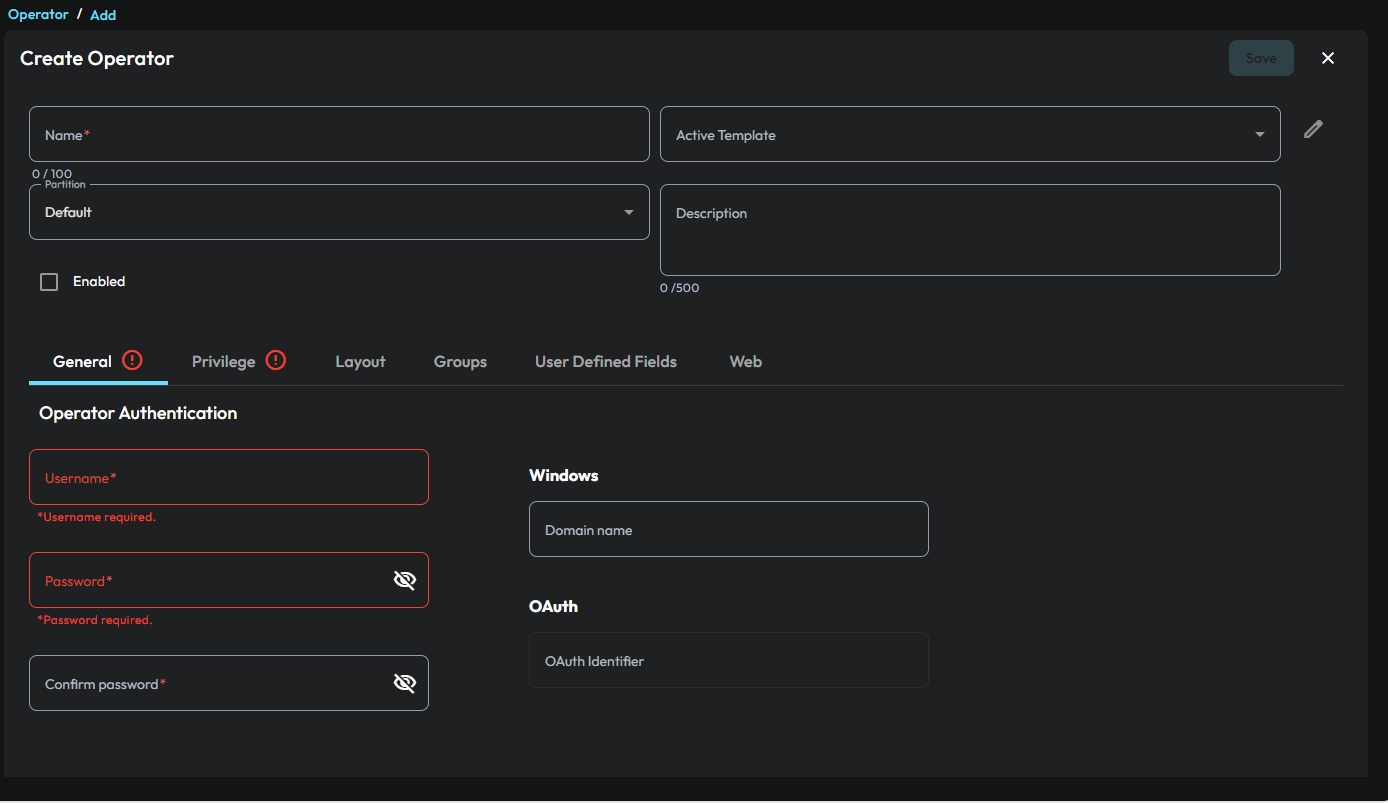
You use the Operator editor to assign privileges to an operator. A privilege is a collection of rights to use access control objects. For example, readers, doors, inputs, outputs, and schedules. In C•CURE 9000 you use the Privilege editor to create privileges. For more information about privileges, refer to the C•CURE 9000 Software Configuration Guide.
You use the Operator editor to associate a schedule with each privilege that you assign to an operator. When the schedule is active and the operator is logged on, the associated privilege is active. For more information about schedules, see Schedule.
You can also configure and use partitions in your system so that different operators can access security objects from their assigned partitions. You assign privileges and schedules to operators to control their access to the objects that are associated with a particular partition.