
Maps
Use maps to monitor physical security objects in a visual representation of their environment. Physical objects are represented by icons to form an integrated view, allowing monitoring and reaction to state changes in real time.
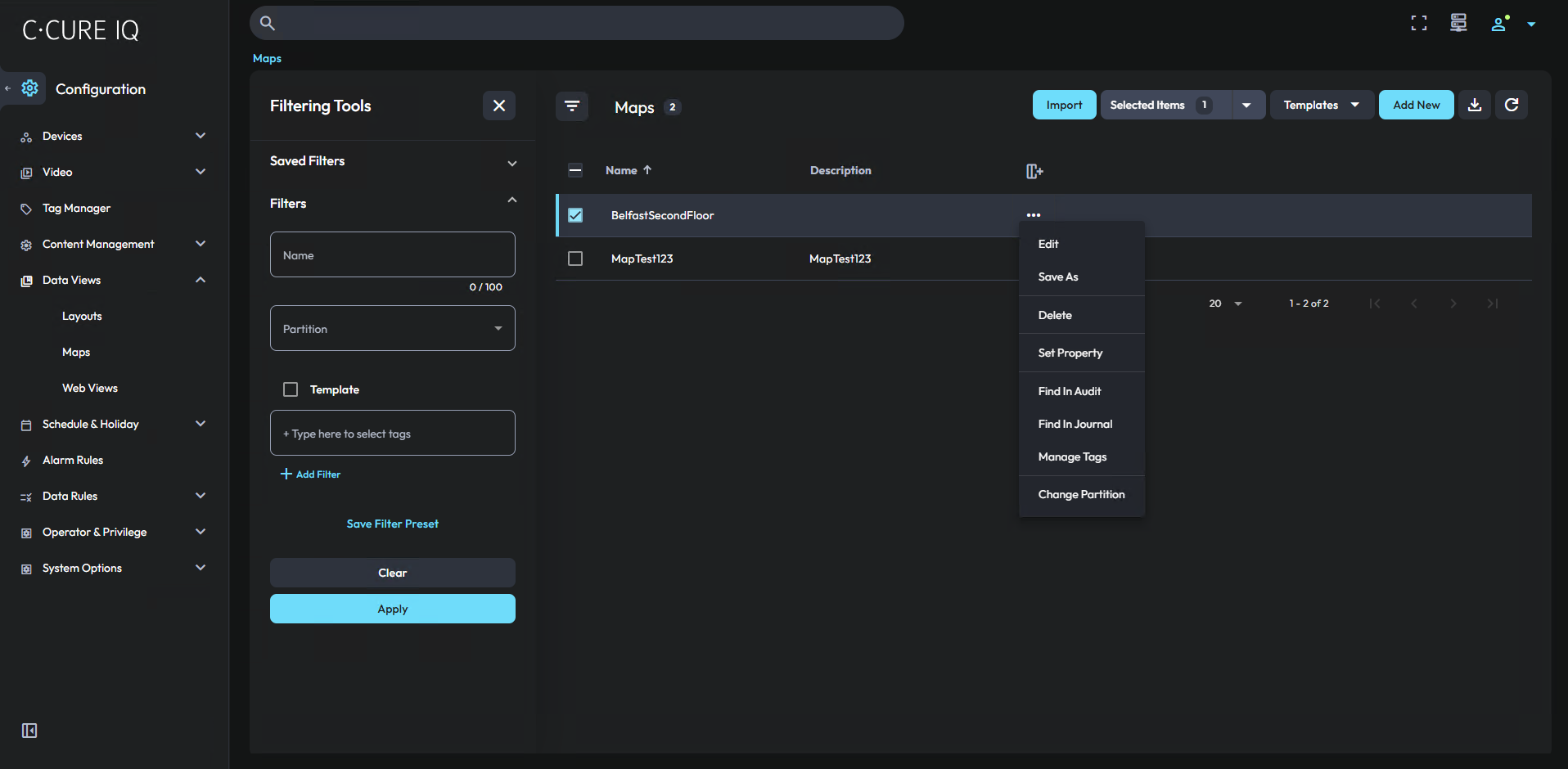
In C•CURE IQ, you can create maps, create map templates, and import maps from C•CURE 9000.
You can view maps in a Monitoring layout that contains a Maps module. For more information, see Monitoring. If you want to create a hierarchy of maps to represent different floors in a building, you can use the Tag Manager. Assign the same tag to each map, and use the Reorder Maps context menu option. For more information, see Tag Manager.