
Tours
A tour is a list of views in sequence in a live video window. You can view live video from a configured collection of views. Beginning with the first camera, the video displays for a fixed amount of time before automatically advancing to the next camera. This process continues until the last camera in the tour is reached, or indefinitely if looping is enabled.
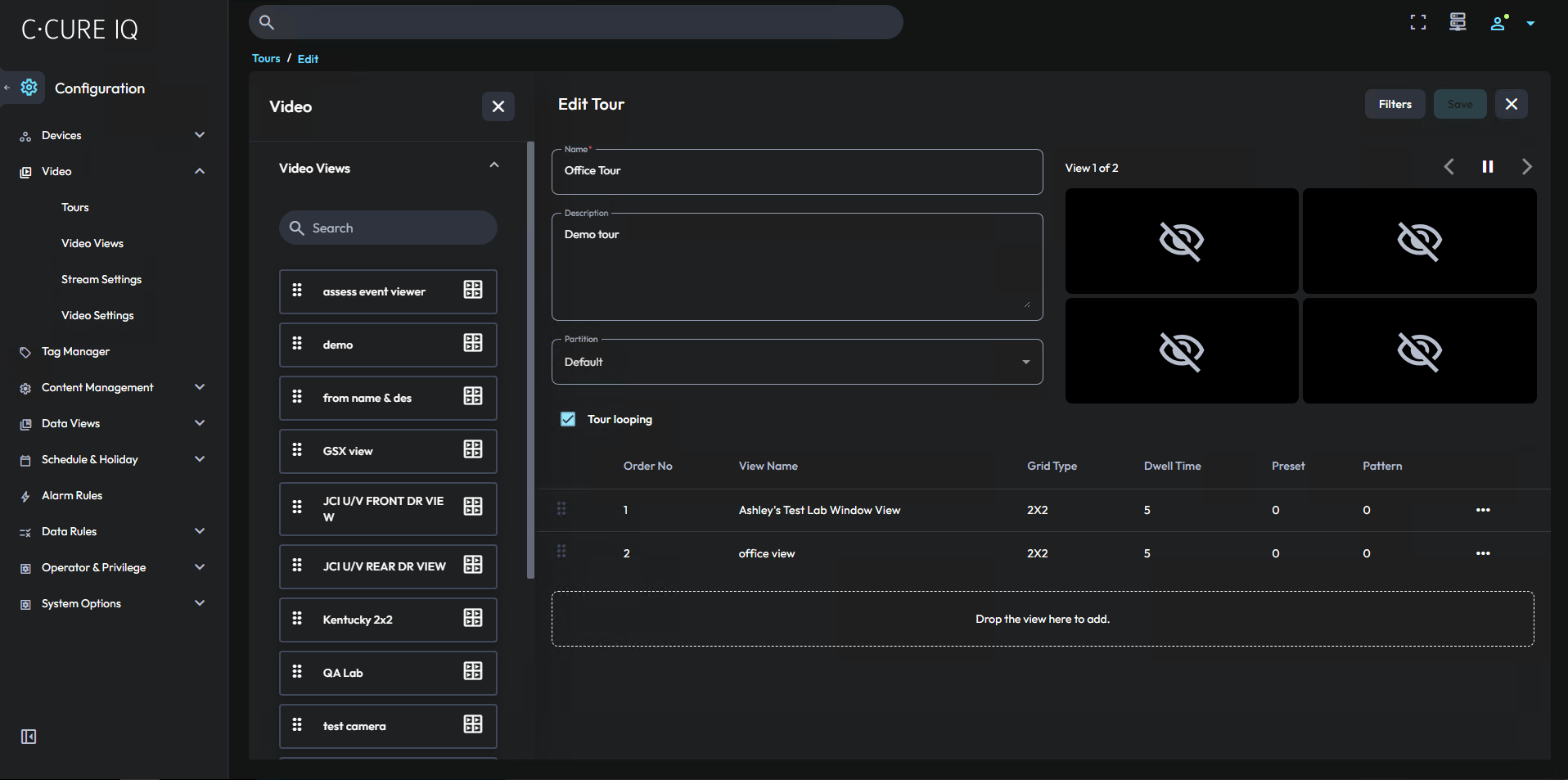
To access the Tours page, on the Configuration menu, expand the Video menu.
To view a tour, on the Monitoring page, open a layout that contains a video monitoring module, and drag the tour onto the video pane.