Audit and Journal
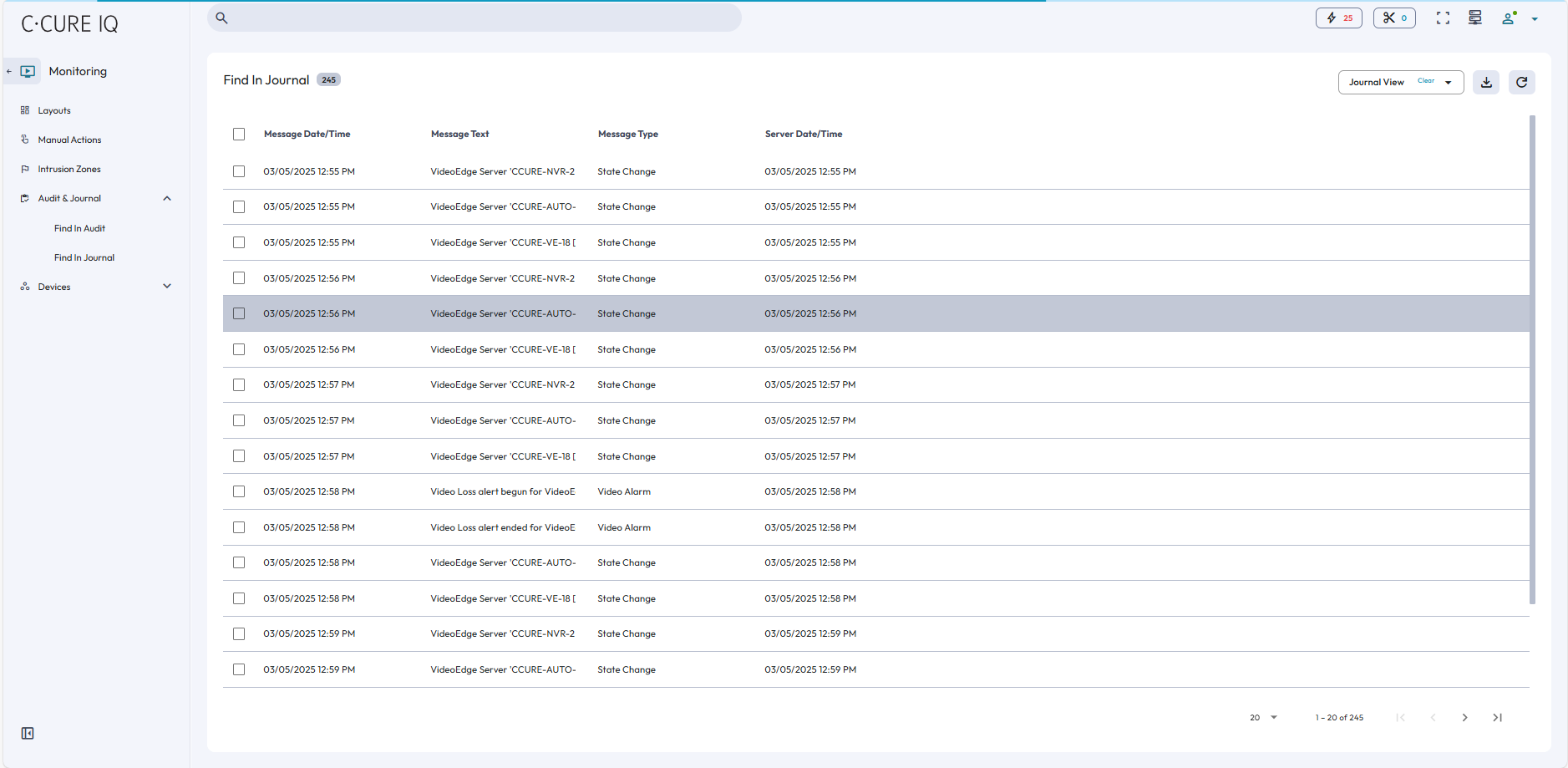
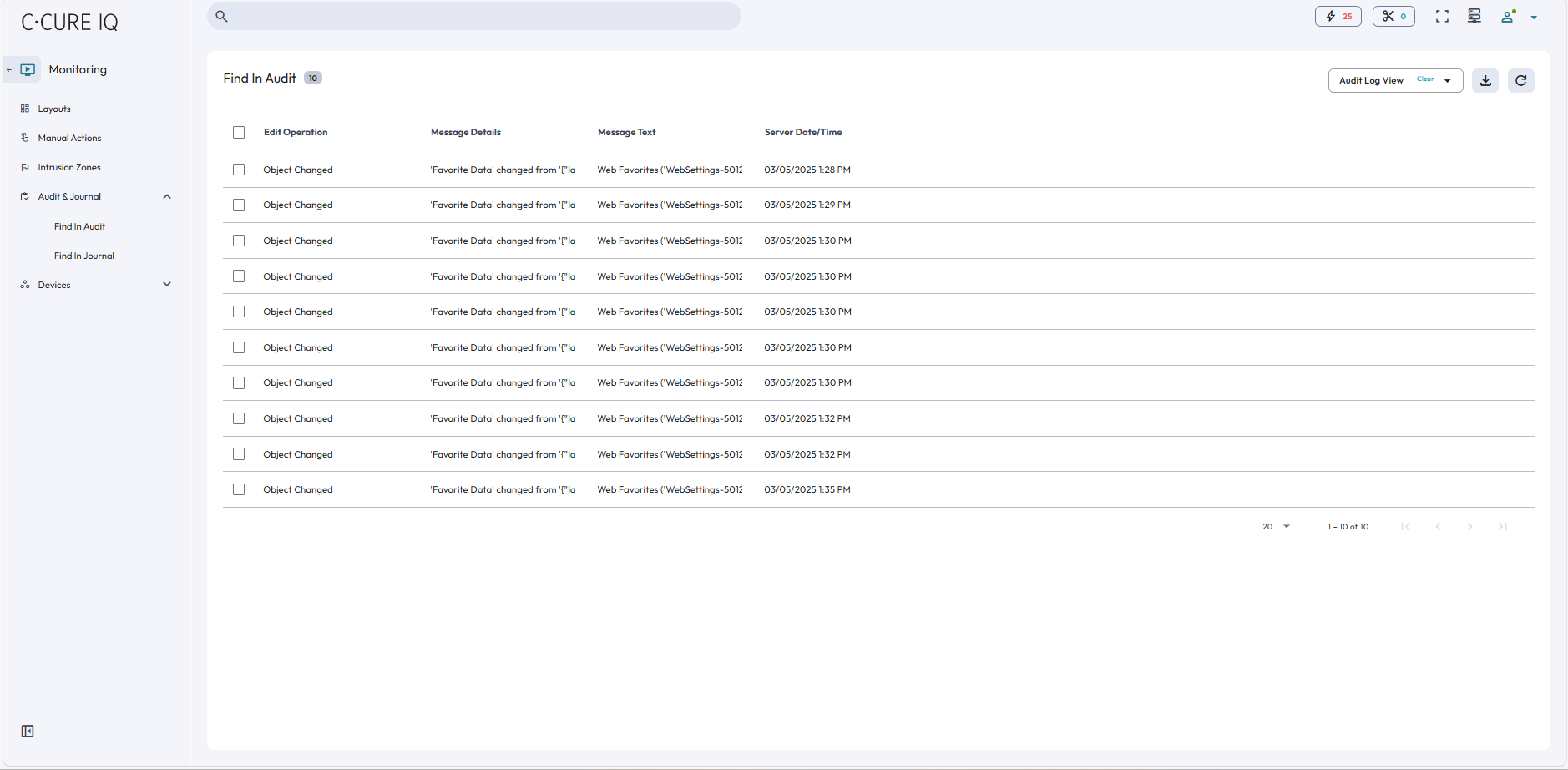
From the Audit and Journal tab, you can access the Find in Audit and Find in Journal pages.
The Audit Log provides a history of all configuration changes to system objects within C•CURE IQ. Changes are recorded as they occur, and a record of each is stored in the Audit Database. From the Find in Audit page, you view a history of configuration changes, and you can use filters to search through the audit log.
The Activity Journal maintains a record of activity monitored by the
C•CURE IQ system. Viewing this history can provide valuable
information about your facility and your C•CURE IQ system. Journal
messages can also provide statistical information on resource usage or assist in locating
people in your facility. From the Find in Journal page, you can view the activity journal,
and you can use filters to search through the journal.
Note: For VideoEdge recorders, you can also filter the journal log entries to
search for video export activity. In the Filters pane, select Network Video Activity
from the Message Type list.