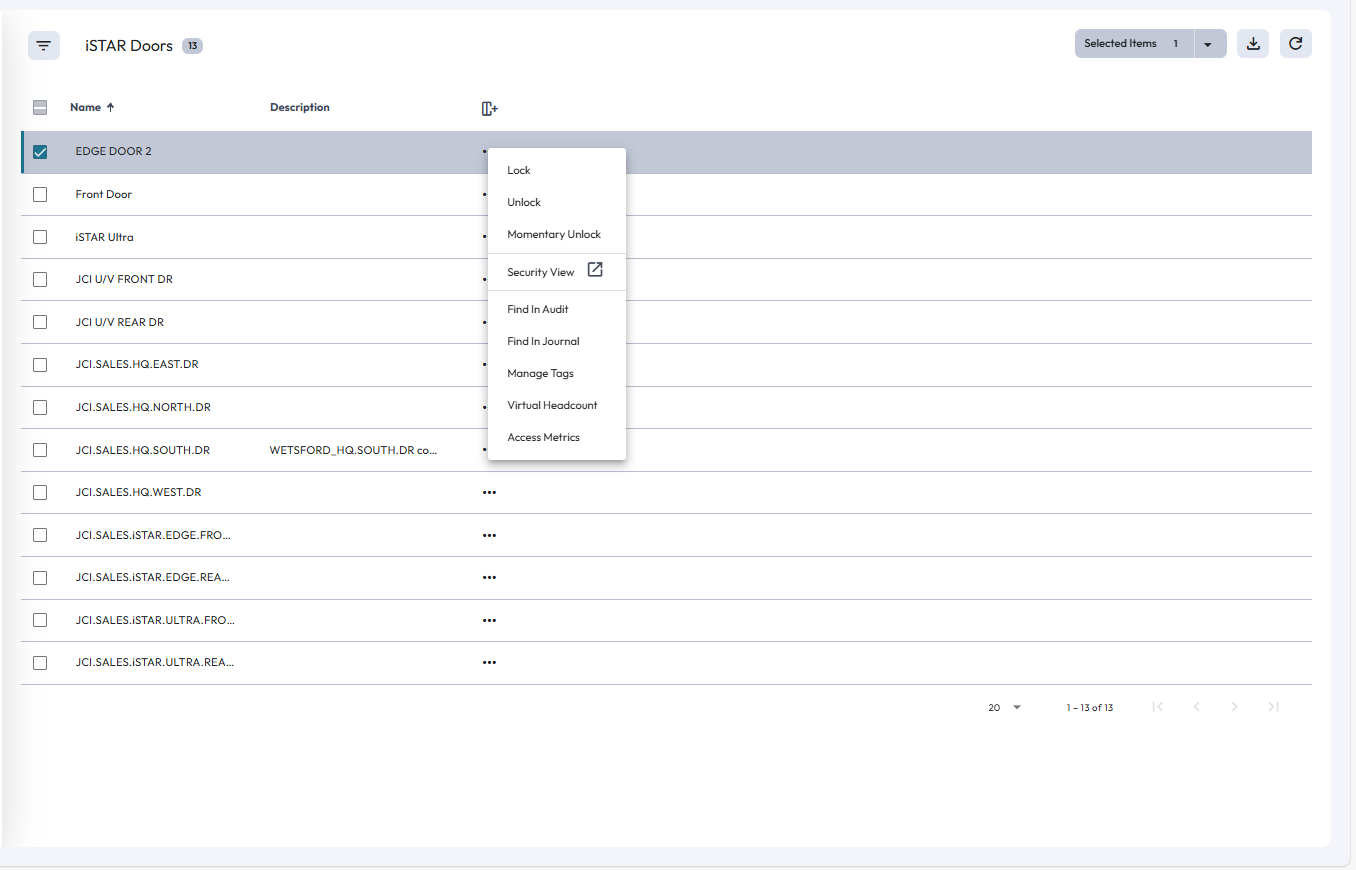
Devices
From the Devices page, you can view lists of the different device types that are connected to your C•CURE IQ system. You can use this menu to find specific devices, and to perform actions on applicable devices. For example, you can lock or unlock doors, and enable or disable reader PINs.
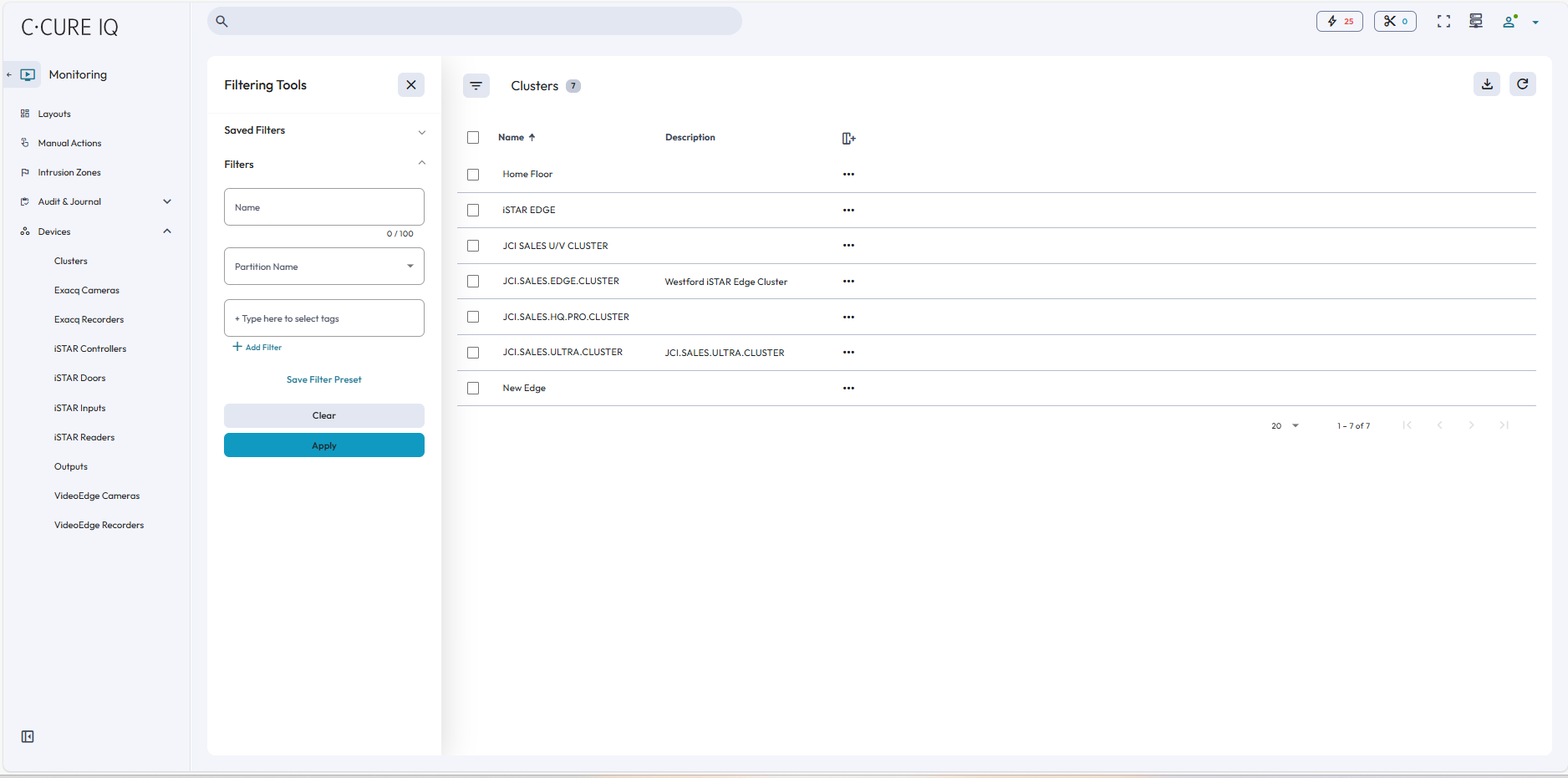
On the left side of the page, you can select a device type to open a list of those devices. On each device list, you can select actions from each device’s context menu. The context menu options vary, depending on the type of device that you select.