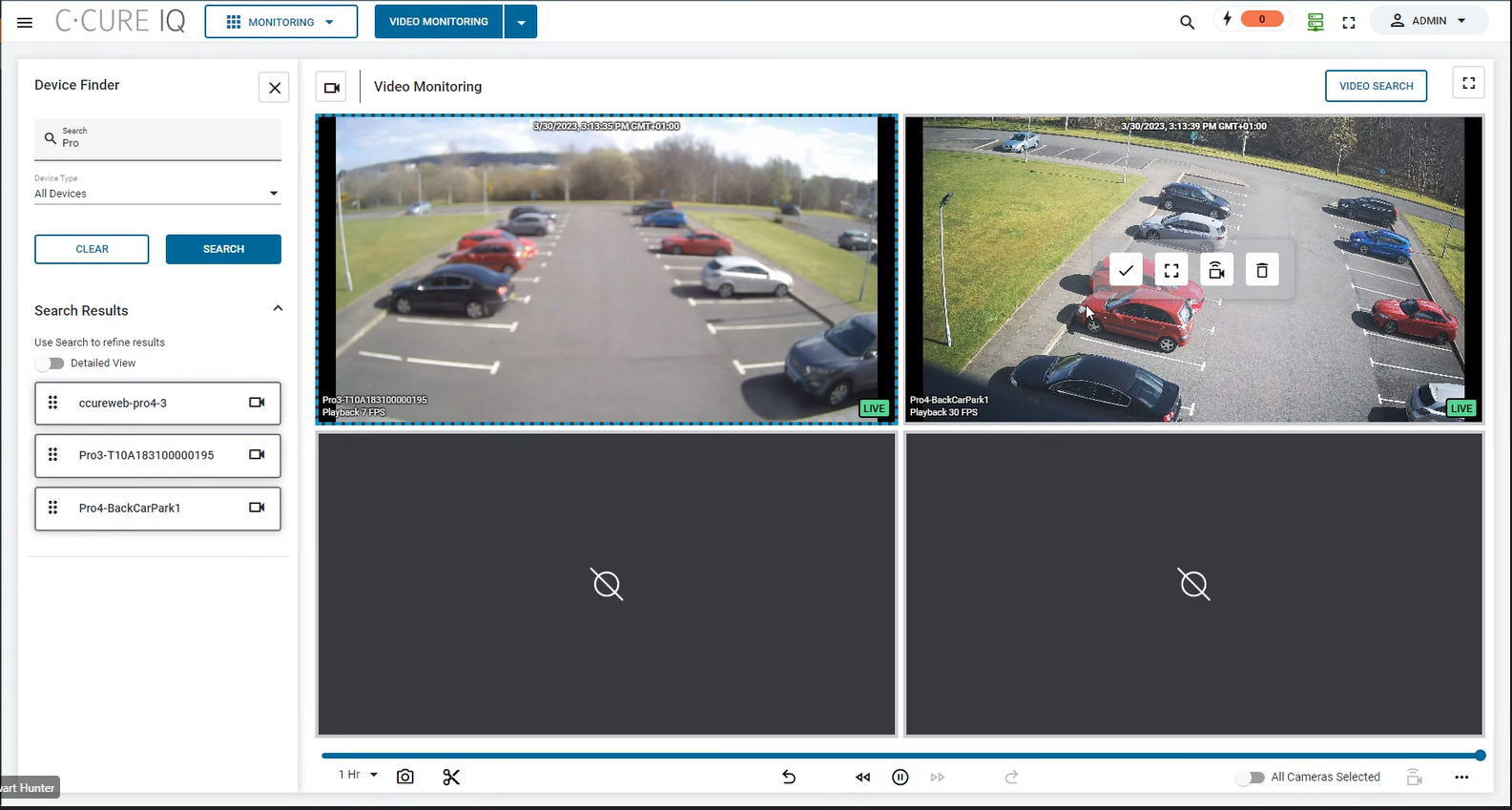
When you select a video pane that contains a camera, additional controls appear
in the video pane.Figure 1. Video pane controls
Icon
Description
Toggle pane selection. Click this icon to select or deselect a video
pane.
Toggle full screen mode. Click this icon to expand a pane to fill the
C•CURE IQ window.
Go to live. If you use the playback controls to rewind the video
feed, or to view recorded video, you can click this icon to return
to the live video feed.
Remove pane. Click this icon to clear the video pane.