
Video Search
From the Video Search module, you can perform a Date and Time search or an analytic search. For
more information, see Search types.
Note: You
can perform analytic video searches on cameras that are connected to a VideoEdge NVR.
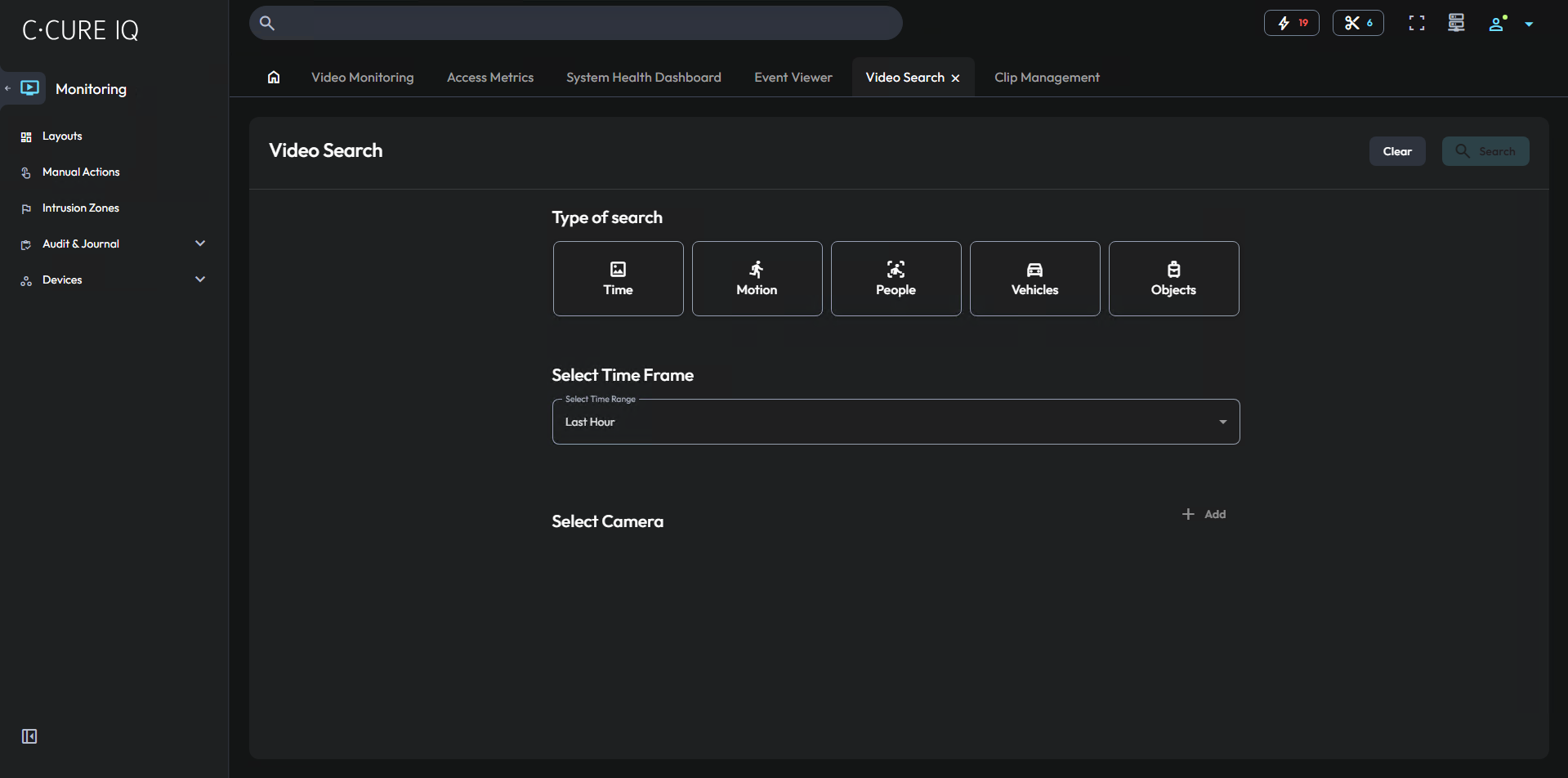
To perform a video search, see Searching for a video. To perform an analytic search, see Performing an analytic search.
To view a video, click the play button on the search result that you want to view. You can also export a search result as a clip file.