
Performing an analytic search
An analytic search allows you to apply pre-configured motion or video
intelligence search rules to a Date Time search, to return more specific results.
When you select a camera, a Search Type field appears. If you select a camera that
is pre-configured with a motion detection or video intelligence alarm, then you can
select the corresponding analytic search type from the Search Type list.
Note: You cannot perform an analytic search
with cameras that are connected to Exacq NVRs.
- Open a web layout that contains a video search module.
-
In the Type of search area, select the type of search
that you want to perform.
For more information, see Search types.
-
In the Select Time Frame area, in the Select
Time Range list, select one of the following options:
- Select Specific Range, and then configure Start Date and Time and End Date and Time.
- Select a pre-configured time range.
-
To add cameras to the search, complete the following steps:
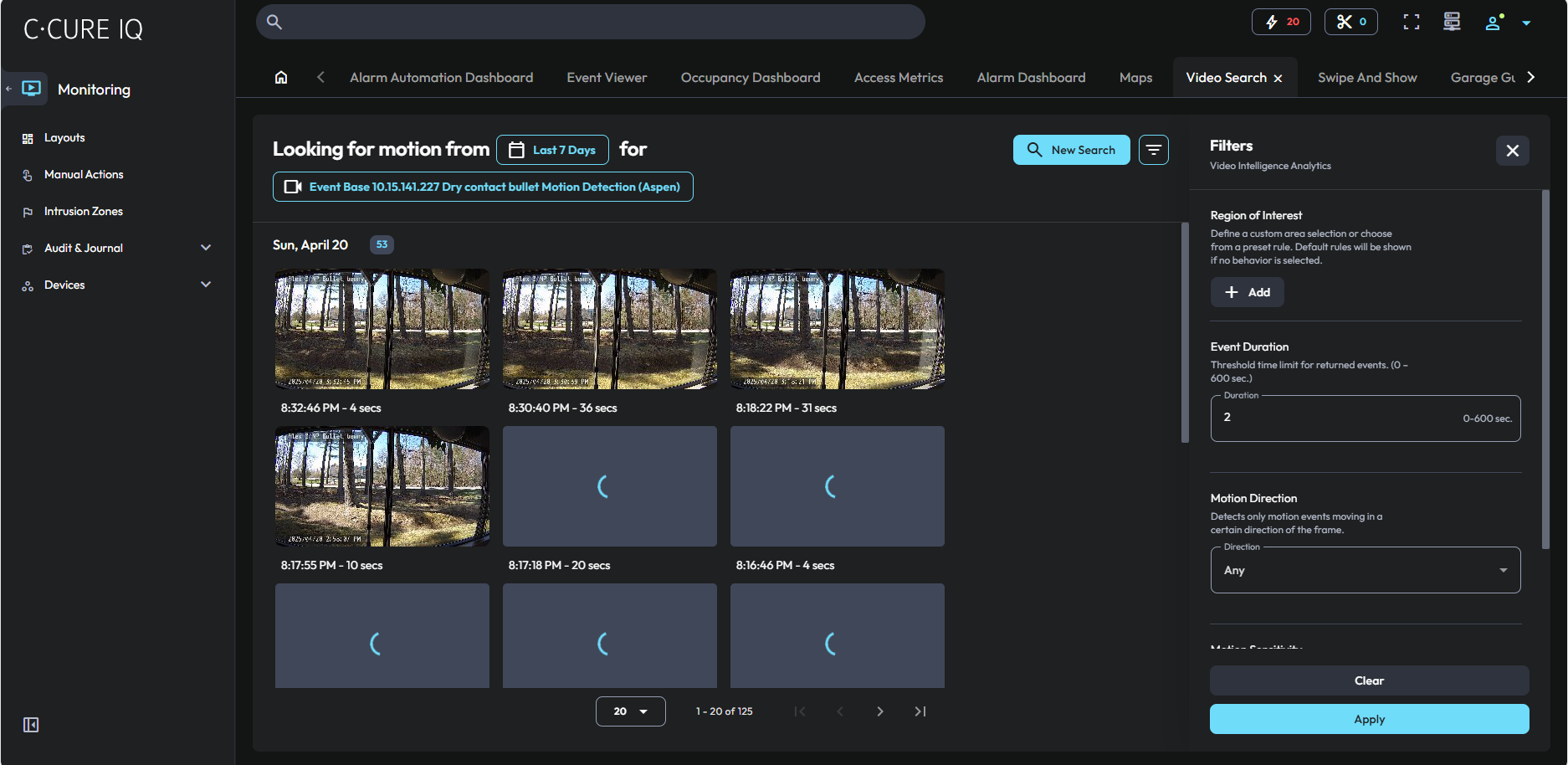
- To configure the region of interest, in the Region of Interest section, click Add, and then use the drawing tools and selection tools to highlight a region of interest in the video playback window.
- Configure any additional parameters that are required for the analytic search.
-
Click Search.
Search results appear in the module. To view a search result, double-click the search result.
- Optional: If you modify the search parameters after you click search, to update the search results, click Update Search.